2026. 03. 17
How to Set Up Your Language — 44 Options Available
In short:
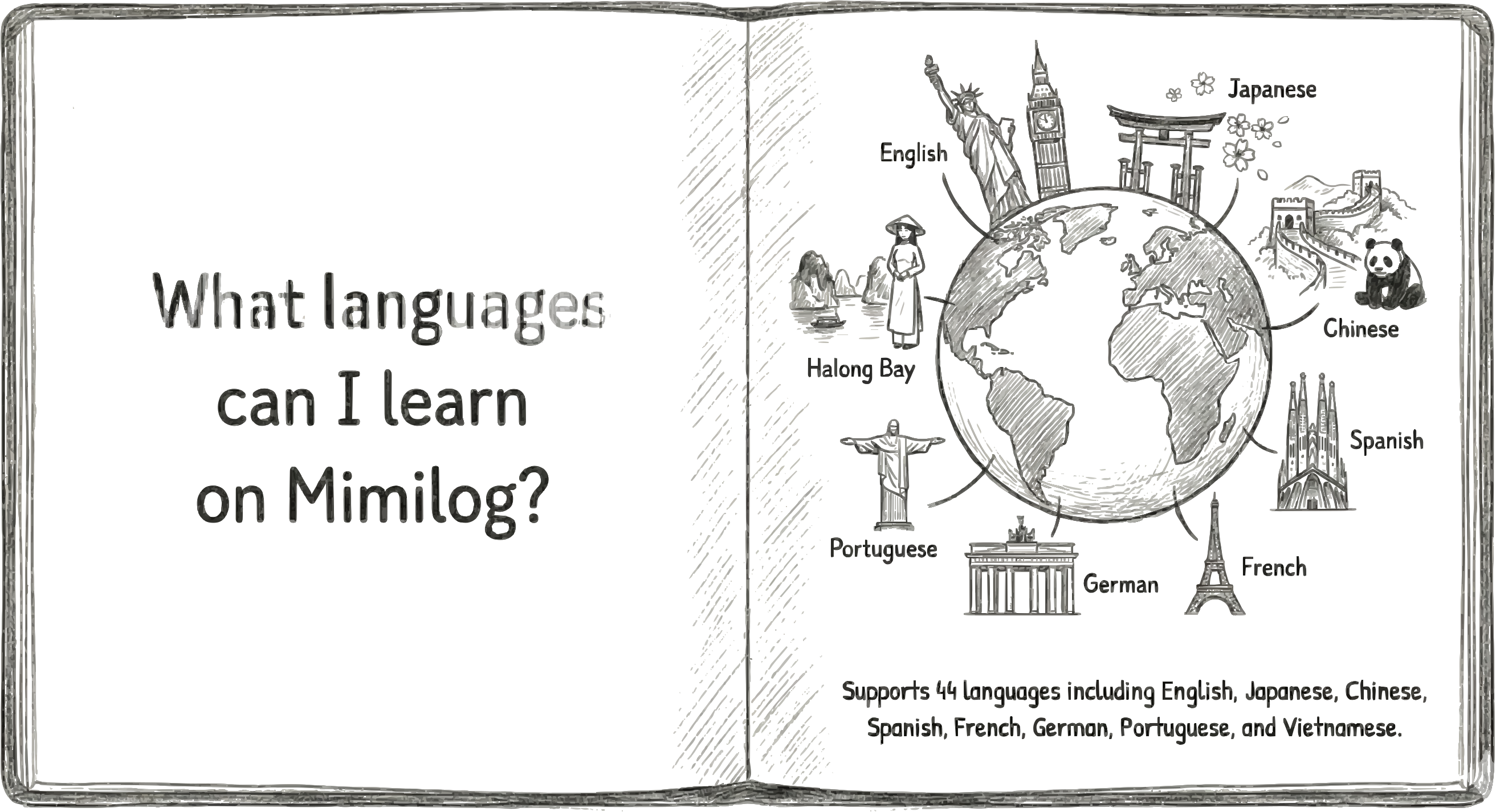
Choose your language when you sign up, and change it anytime. Pick the language you want to learn from 44 options.
Mimilog supports a wide range of languages — from major world languages to Southeast Asian, European, and Middle Eastern languages.
Asia: English, Japanese, Chinese (Simplified/Traditional), Korean, Vietnamese, Thai, Indonesian, Hindi, and more44 Supported Languages
Europe: Spanish, French, German, Portuguese, Italian, Dutch, Russian, Polish, and more
Others: Arabic, Turkish, Swahili, and more
When you sign up, you choose two things:
1. Native language — the language you speak naturally
These settings determine your log writing language, translation direction, and study content.
Initial Setup
2. Learning language — the foreign language you want to learn
You can change your learning language anytime in your profile settings.
When you switch, new logs will generate study sets in the new language.
Study sets created in your previous language will remain intact.
Changing Your Language
"It's okay if the language you want to learn changes. Mimilog is always here for you."
Get Started with Mimilog