2026. 04. 14
Sharing Logs in the Community
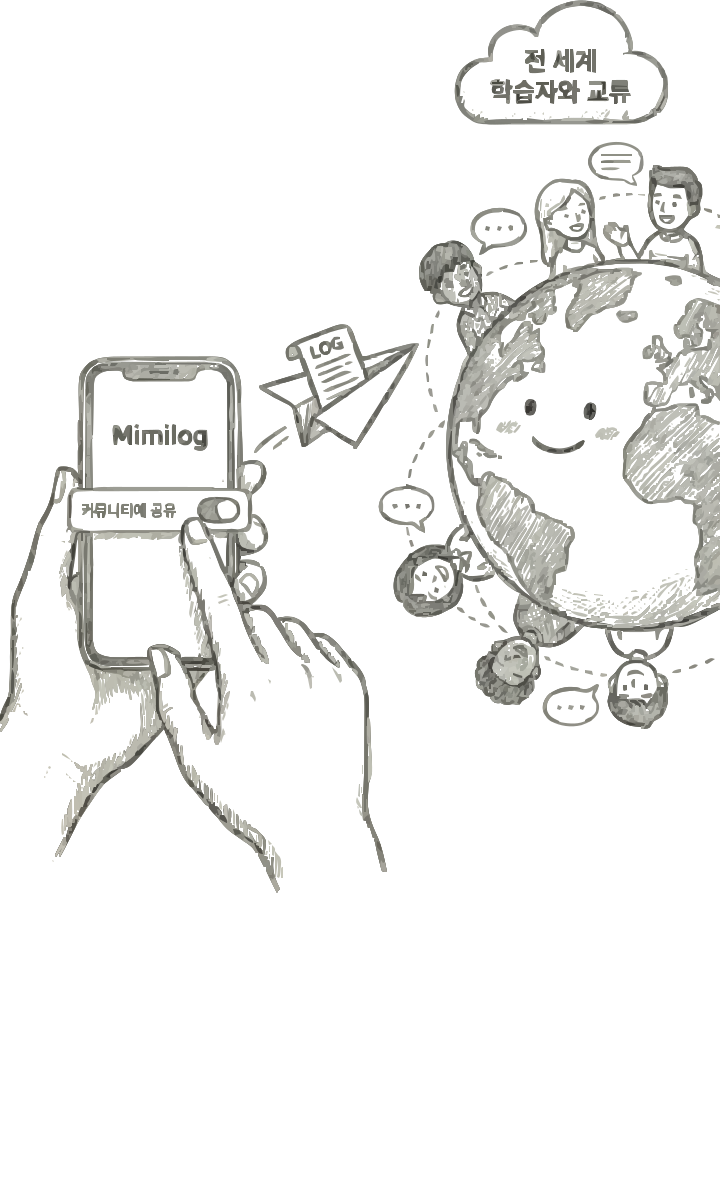
James is learning English.
Today he wrote this log:
"I found a really cool bookstore near the river. They even have a cat!"
It felt too good to keep to himself, so he shared it in the community.
Someone learning Portuguese in Brazil left a comment:
Someone learning English in Japan too:
Your everyday life becomes a conversation starter with people around the world.
Reactions come from around the world
"I love bookstores with cats! We have some in São Paulo too."
"A cat in a bookstore sounds amazing. I want to visit!"
When writing: Turn on the 'Share to Community' toggle on the writing screen.
If you change your mind, you can switch it back to private anytime.
How to share a log
For existing logs: You can change the sharing settings from the log detail screen.
Read others' logs: Reading logs from people learning the same language helps you discover new expressions.Community tips
Leave comments: Writing comments in a foreign language is great real-world writing practice.
React: Send encouragement with the reaction button.
"Writing a log on your own is great, but sharing it with others makes it even more powerful."
Get started with Mimilog