2026. 03. 31
Search Words with Long Press
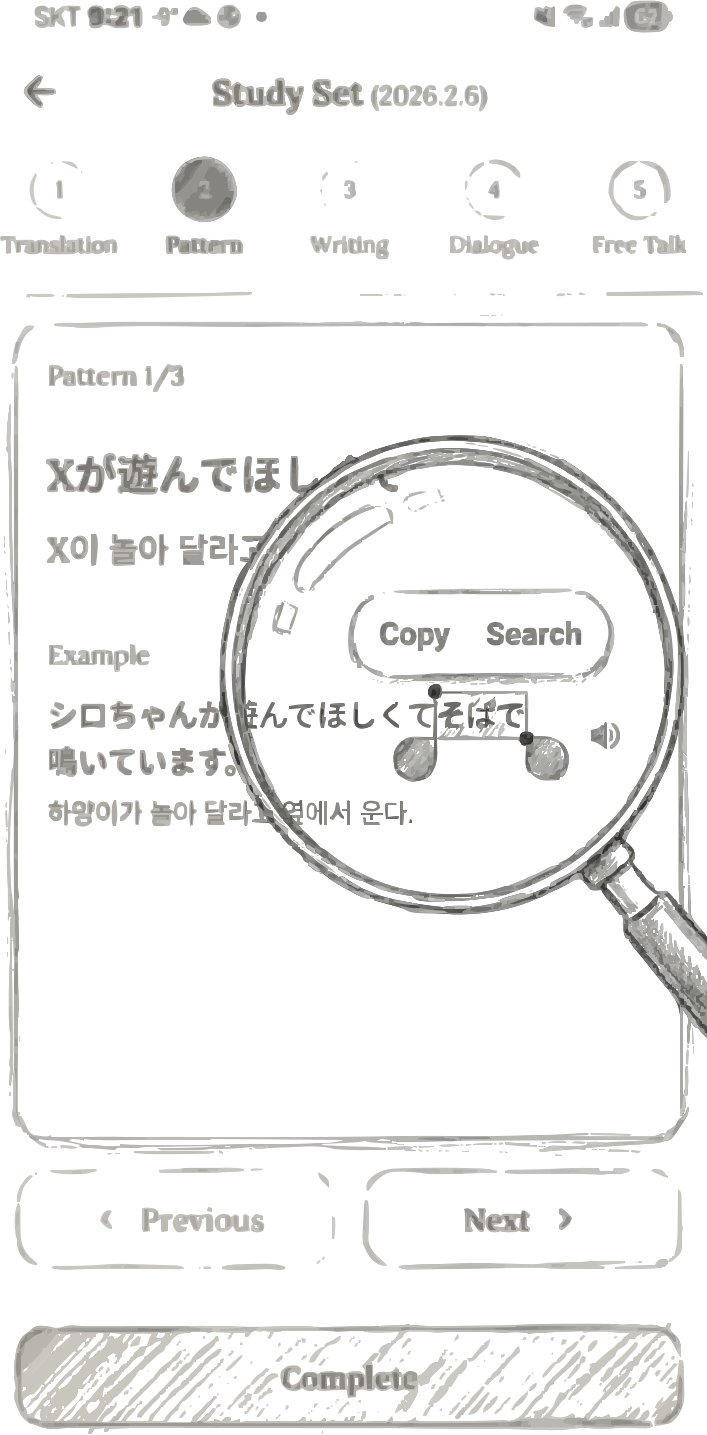
You came across an unknown word while reviewing a study set.
Opening a dictionary app to look it up feels like a hassle.
In translations, pattern examples, or conversation scripts in your study set,
long press the word you don't know.
You can also drag to select multiple words.
Step 1. Long press the unknown word
When you select text, two menu options appear:
Copy — Copy the selected text to the clipboardStep 2. Choose Copy or Search
Search — Translate the selected text instantly
Tap Search and a Google Translate screen opens inside the app.
The selected word or sentence is automatically translated into your native language.
Since you don't need to leave the app, your learning flow stays uninterrupted.
Once you're done, just go back and continue studying.
Step 3. Check the translation results inside the app
• Study sets — Translation, pattern, and script screens
Anywhere there's foreign language text, you can long press to search.
Where can I use it?
• Chat with Mimi — Messages sent by Mimi
• Log details — Original text and translations
"Don't stop at unknown words. Just long press."
Get Started with Mimilog